
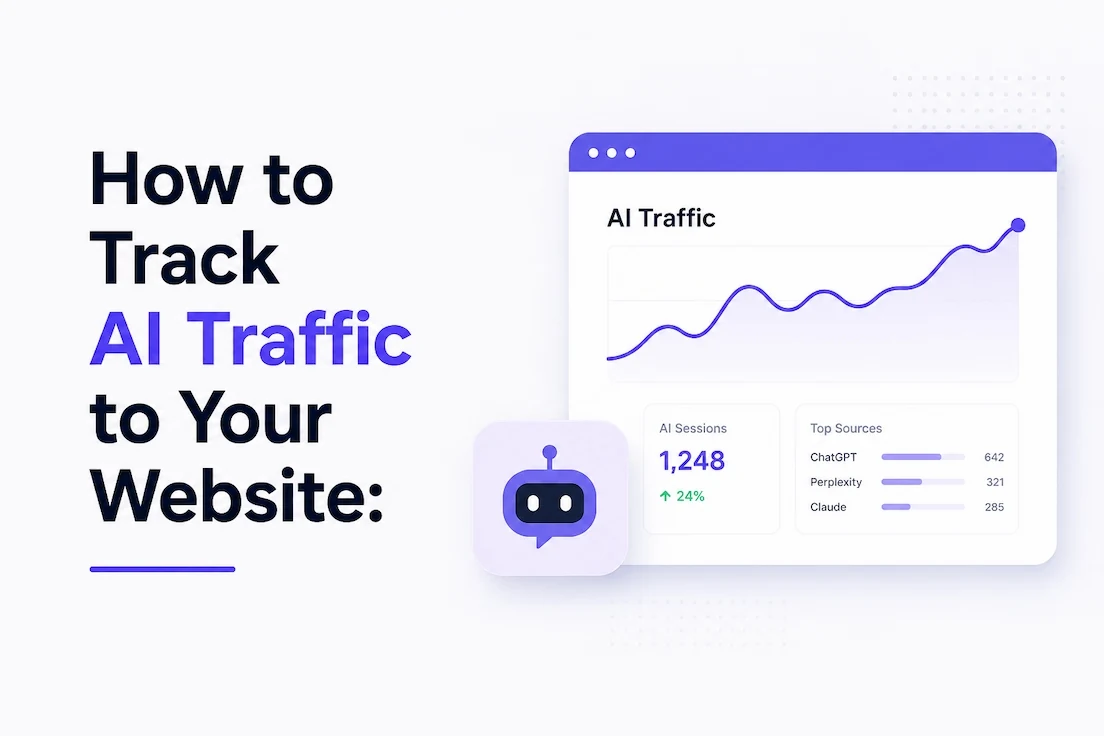
If you want the short answer: open Google Analytics 4, go to Reports > Acquisition > Traffic Acquisition, add a filter on Session source / medium set to "matches regex," and paste in a pattern that covers chatgpt.com, perplexity.ai, claude.ai, gemini.google.com, copilot.microsoft.com, and the other AI platforms sending you visitors. That gets you referral traffic. It will not show you AI crawlers, and it will not show you citations where an AI answer mentioned you but nobody clicked. Those are three different numbers, and most of the confusion around "AI traffic" comes from people mixing them up.
We track this for a living, across dozens of B2B SaaS sites, and we still see marketing teams report a single "AI traffic" number to their board that's quietly combining bot hits, citation counts, and actual human sessions. Below is exactly how we separate them, the regex we actually use, how to diagnose a sudden drop, and which tools are worth paying for versus which ones are just GA4 with a nicer skin.
AI Traffic, AI Citations, and AI Crawler Activity Are Three Different Things
Before you open any dashboard, get this distinction straight, because it changes which tool you reach for:
- AI referral traffic is a real person who clicked a link inside ChatGPT, Perplexity, Gemini, or Copilot and landed on your site. This is what Google Analytics 4 can (partially) see.
- AI visibility, or citations, is when an AI answer mentions, links to, or draws on your content, whether or not anyone clicks through. A page can get cited 300 times and send you five visitors. This is what platforms like Semrush's AI toolkit are built to measure, while our own AI Visibility Checker scores whether your site is ready to be read and cited in the first place.
- AI crawler activity is an automated bot (GPTBot, ClaudeBot, PerplexityBot, Google-Extended) requesting your pages to index or train on. This lives in your server logs, not your analytics.
| Metric | What It Means | Where You Measure It |
|---|---|---|
| AI Referral Traffic | A real person clicked a link inside ChatGPT, Perplexity, Gemini, or Copilot and landed on your site. | Google Analytics 4, Ahrefs Web Analytics |
| AI Visibility / Citations | An AI-generated answer mentions, links to, or draws on your content, whether or not anyone clicks through. | Semrush AI Toolkit, Arobis AI ChatGPT Visibility Checker |
| AI Crawler Activity | An automated bot requests your pages to index, retrieve, or train on. | Server logs, Cloudflare AI Crawl Control |
They overlap, but they're not interchangeable, and reporting them as one blended metric is how you end up making decisions on bad data. We'll walk through all three, in the order you'll actually need them.
How to Track AI Referral Traffic in GA4 (Step by Step)
This is the fastest way to answer "did a real person come from ChatGPT," and it takes about ten minutes to set up properly.
Step 1: Open Traffic Acquisition
In GA4, go to Reports > Acquisition > Traffic Acquisition. This report breaks sessions down by source/medium, which is where AI referrals show up (when they show up at all, more on that below).
Step 2: Filter Session Source / Medium by Regex
Click Add filter, set the dimension to Session source / medium, and set the match type to matches regex. Paste in a pattern that covers the platforms actually sending traffic in 2026, including the ones people forget beyond the usual two or three:
(chatgpt\.com|chat\.openai\.com|openai\.com|perplexity\.ai|pplx\.ai|claude\.ai|anthropic\.com|gemini\.google\.com|bard\.google\.com|copilot\.microsoft\.com|you\.com|search\.brave\.com|meta\.ai|grok\.com|x\.ai|deepseek\.com|poe\.com)
Most regex filters we see circulating online stop at ChatGPT, Claude, Gemini, and Copilot. That misses Meta AI, Grok, DeepSeek, and Poe, all of which show up in our own clients' referral logs. Update this list every few months. New AI products with their own answer surfaces are still launching.
A useful detail specific to OpenAI: ChatGPT Search currently appends utm_source=chatgpt.com to outbound links, which gives you a cleaner signal than a bare referrer domain. Perplexity and Gemini are less consistent about this, which is part of why the raw regex filter still matters.
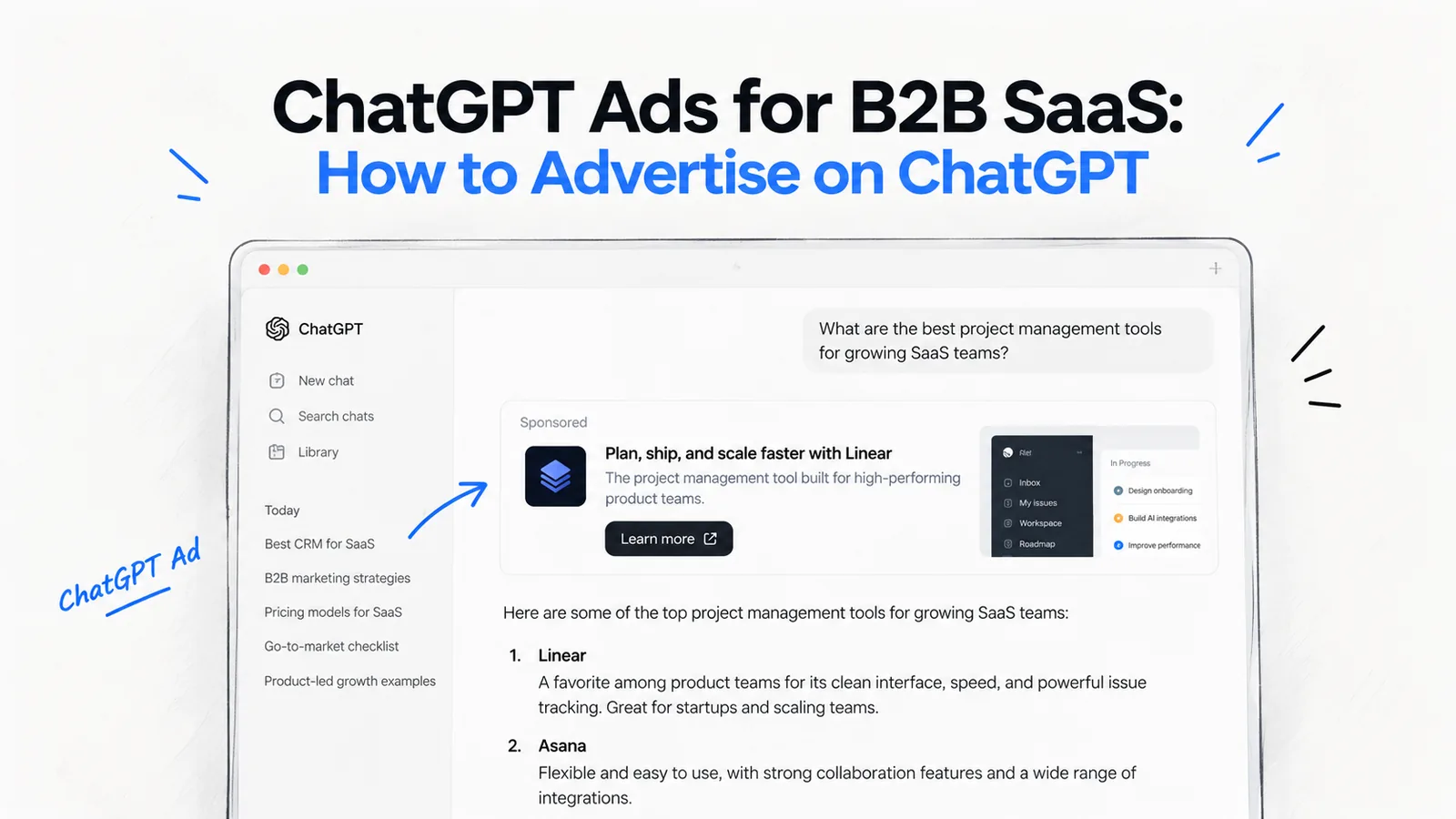
Paid ChatGPT traffic is easier to track: OpenAI says static UTM tags persist on ad clicks. We cover the setup in measuring ChatGPT ads for B2B.
Step 3: Turn It Into a Permanent Custom Channel Group
A saved filter resets every time you open a new report. If you have Editor or Administrator access, make it permanent instead: go to Admin > Data display > Channel groups, create a new channel group, and add a channel rule where Session source matches the same regex pattern above. Name it something like "AI Search" and place it above Organic Search and Direct in the rule order, since GA4 evaluates channel rules top to bottom and you want AI sessions caught before they fall into a generic bucket.
Once that's live, "AI Search" shows up as its own channel in every acquisition report, permanently, without anyone rebuilding a filter from memory.
What to Actually Look At Once You Have the Data
Sessions alone tell you almost nothing. Pull these alongside the raw count:
- Landing pages: which specific pages are AI platforms sending people to?
- Engagement rate and average engagement time: are these visitors actually reading, or bouncing in three seconds?
- Conversions: are they filling out forms, booking calls, starting trials?
- Conversion rate versus your organic search traffic: this is the comparison that actually matters to a CFO.
We've seen AI referral traffic convert well above organic search on some client sites, because someone who spent ten minutes in a ChatGPT conversation before clicking through already has most of their questions answered. We've also seen it convert at zero because the traffic was landing on the wrong page. You won't know which one you have until you look.
Why GA4 Undercounts (or Misreports) Your AI Traffic
Even a well-built regex filter has real limits, and it's worth understanding them before you present this data to anyone.
Referral stripping. Not every AI platform passes clean referrer data. When it doesn't, GA4 has nothing to categorize the session by, so it falls into Direct / none. That means your true AI-influenced traffic is very likely higher than what your filter reports.
Careful, though: a spike in Direct traffic is not proof of AI traffic. Direct also covers bookmarks, email clients, messaging apps that strip referrers, native mobile apps, and untagged marketing links. If someone asks "did that Direct traffic spike come from AI," the honest answer, most of the time, is "we don't know for certain." Don't build a board slide on that assumption.
Bots that don't render JavaScript never fire GA4 at all. Most AI crawlers make a simple HTTP request and never execute the JavaScript that loads your Google Analytics tag, so classic crawler visits are invisible to GA4 by design, not by accident. Where it gets confusing is that some AI products use headless browsers that do render the full page (loading scripts and all) when a user asks the assistant to "look at" a live page in real time. When that happens, you can get a session in GA4 that looks human but behaves like a bot: high bounce, near-zero time on page, one pageview, gone. If you see traffic like that from an AI-adjacent source, treat it as a probable automated visit, not a disengaged user, before you go redesign the page.
How to Diagnose an AI Traffic Drop
This is the part almost nobody writes a real process for, and it's usually the moment someone actually goes looking for this guide. Your AI referral numbers fell. We work through the checks below in this order, before touching a single page.
- Rule out noise first. AI referral volumes are still small for most sites, so a single day or even a single week can swing wildly on a handful of sessions. Look at a rolling 28-day or 90-day window before you conclude anything is actually trending down.
- Check Search Console's Generative AI report for an impressions drop. If impressions in AI Overviews and AI Mode fell alongside clicks, the problem is upstream: you're being surfaced less, and fewer clicks simply follow from that. (Full steps below.)
- Check whether a platform changed how it links out. AI providers periodically change how (or whether) they pass referral data, add UTM parameters, or open results in an in-app browser instead of a direct link. A drop that lines up with a specific product update is a platform-side change, not a content problem on your end.
- Check robots.txt and llms.txt for an accidental block. A site migration, a new CDN rule, or a security plugin can silently start blocking GPTBot, ClaudeBot, or OAI-SearchBot. If the crawler can't access the page, it can't cite it, and it definitely can't send referral traffic from it. We've written a full breakdown of what AI crawlers can and can't read if you want to check yours line by line.
- Check whether a competitor displaced you in the answer itself. AI answers cite a limited set of sources per query. If a competitor published something more current, more specific, or better structured, they can simply take the slot you used to hold. Only a visibility tool that tracks citations prompt by prompt, rather than referral sessions, shows this directly.
- Check your own server logs for a crawl frequency drop. If GPTBot or PerplexityBot suddenly stopped requesting your pages as often, that's a strong early signal something changed on the access side well before it shows up in referral numbers.
Work through that list in order. Most "AI traffic dropped" panics turn out to be either normal small-sample noise or a platform-side linking change, not a content or ranking problem. But the ones that aren't noise are worth catching early, and this is how you tell the difference.
Tracking AI Crawler Activity: Server Logs and Cloudflare AI Crawl Control
Referral traffic tells you about human clicks. It tells you nothing about how often AI systems are actually crawling your site to begin with, and that's a separate, earlier-stage signal worth watching.
Reading Your Raw Server Logs
Every request to your server, human or bot, leaves a line in your access logs: user agent, requested URL, timestamp, status code, and referrer when one is supplied. Pull those logs (through your host, your CDN, or a log-analysis tool) and filter by known AI user agents: GPTBot, OAI-SearchBot, ChatGPT-User, ClaudeBot, PerplexityBot, and Google-Extended. To further refine this data, many technical teams integrate an IP Geolocation API to cross-reference requesting IP addresses, helping them distinguish between legitimate regional crawler activity and suspicious, high-volume scraping traffic originating from unexpected or high-risk countries. Monitor which URLs are requested most, whether important pages return 200s instead of errors or redirects, and how frequency changes over time. Lastly, sWatch which URLs get requested most, whether important pages are returning 200s instead of errors or redirects, and how frequency changes over time. Verify user agent names against the provider's own documentation periodically, since bots get renamed and split more often than people expect.
Cloudflare AI Crawl Control (the faster way)
If your site sits behind Cloudflare, you don't need to touch raw logs at all for a first pass. Cloudflare's AI Crawl Control feature, available from the dashboard under Security, groups every AI bot it detects into three behaviors: Search (crawling to surface your content in an AI answer), Agent (an AI tool acting on a live request from a user, similar to the "look at this page" case above), and Training (scraping to train a future model). Cloudflare reports it processes well over 50 billion AI crawler requests a day across its network, so its bot fingerprinting is broader than what most individual sites would ever build themselves. This is the single fastest way to see whether GPTBot activity on your own domain is climbing, flat, or gone, without touching a log file.
GPTBot vs. OAI-SearchBot vs. ClaudeBot vs. PerplexityBot
Don't lump these together, because they serve different purposes and you may want different rules for each:
- GPTBot relates to potential model training data collection.
- OAI-SearchBot and ChatGPT-User relate to surfacing your content inside ChatGPT's live search and browsing features. OpenAI is explicit that sites wanting to appear in ChatGPT Search should allow OAI-SearchBot access, separate from any decision about GPTBot.
- ClaudeBot and PerplexityBot serve similar search and retrieval functions for Anthropic and Perplexity respectively.
- Google-Extended controls whether Google can use your content for Gemini and AI features, separately from standard Googlebot crawling for Search.
A blanket block on these bots, often added by a security plugin or CDN rule nobody reviewed, can wipe out your AI referrals without any change to your content. Compare your robots.txt with this list before you assume a drop is a content problem.
Using Google Search Console to Track AI Overview and AI Mode Impressions
Search Console's Generative AI performance report (available to most properties, still rolling out to all of them) shows impressions specifically from Google's AI Overviews and AI Mode, broken down by page, query, country, and device. This measures something GA4 fundamentally cannot: how often you're being shown inside an AI answer, whether or not that turns into a click.
The report currently tracks impressions, not a dedicated AI click metric, so read it alongside your regular Search Console data: rising impressions with flat or falling clicks usually means you're appearing in AI Overviews more often, and users are getting their answer without clicking through at all. That's a real pattern, and it's exactly the kind of shift we dig into in our study of 178 Search Console queries no human would type, which walks through what these AI-generated query patterns actually look like inside your own data.
The Best Free and Paid Tools for Tracking AI Traffic
Every product marketed as an "AI traffic tool" measures something slightly different. Match the tool to the question you're actually asking:
- Google Analytics 4 (free): the core tool for attributable referral sessions, engagement, and conversions once you've built the regex filter or channel group above.
- Google Search Console (free): the only source for Google's own AI Overview and AI Mode impression data.
- Cloudflare AI Crawl Control (free, if you're on Cloudflare): the fastest view of crawler behavior without touching raw logs.
- Ahrefs Web Analytics: an alternative analytics platform with AI referral breakouts built in, useful as a second data source alongside GA4. We compared it directly against Semrush's approach in our Ahrefs Brand Radar vs. Semrush AI Visibility Toolkit breakdown.
- Semrush AI Toolkit: stronger on the visibility and citation side (prompts, sentiment, share of voice) than on raw traffic attribution.
- A dedicated AI visibility platform: this is the layer that answers "how often am I cited, and by whom, regardless of clicks." That's a genuinely different question from anything above. Our own AI Visibility Checker answers the step before it, whether your site is readable enough to be cited at all, in about 25 seconds. We put together a broader comparison of the free options in 11 free AI visibility tools worth testing if you want to see how they stack up against each other first.
| Tool | What It Measures | Best For | Cost |
|---|---|---|---|
| Google Analytics 4 | Referral sessions, engagement, conversions | Core AI referral tracking once you've added the regex filter | Free |
| Google Search Console | AI Overview and AI Mode impressions | Seeing where Google is showing you inside generative results | Free |
| Cloudflare AI Crawl Control | AI bot crawl behavior (Search, Agent, Training) | Fast crawler visibility if you're already on Cloudflare | Free |
| Ahrefs Web Analytics | AI chatbot referral sessions | A second analytics source alongside GA4 | Paid |
| Semrush AI Toolkit | AI visibility, prompts, citations, share of voice | Strategic AI SEO monitoring alongside traffic data | Paid |
| Arobis AI Visibility Checker | How ready your site is to be read and cited by ChatGPT, Gemini, Claude and Perplexity (0 to 100) | Finding what stops AI engines from reading or citing your site, in about 25 seconds | Free |
None of these gives you a complete picture alone. GA4 tells you who clicked. Search Console tells you where Google showed you. A visibility platform tells you where you're being cited at all. Most teams need at least two of the three.
To see how these sources come together in one monthly view, here is a sample AI visibility report built from a real client's web analytics, Search Console data and daily AI answer tracking.
Is Your AI Traffic Actually Worth Anything?
Don't stop at "AI traffic went up." That's a vanity number until you compare it against something.
AI referral traffic is still a small share of total traffic for most B2B sites today, single digits at best for the large majority of domains we've audited. But the visitors who do arrive from an AI platform tend to be further along in their research than a typical organic search click, because the assistant already answered their basic questions before they ever clicked through. Some of our clients see meaningfully higher engagement and conversion rates from this channel as a result. Others see traffic land on the wrong page and bounce immediately. You won't know which camp you're in without running the comparison yourself.
Pull these side by side, AI referral traffic against organic search, for the same date range:
- Sessions
- Engagement rate
- Average engagement time
- Conversion rate
- Revenue or qualified leads generated
If AI traffic is 2% of your sessions but 6% of your qualified pipeline, that's a genuinely useful finding worth reporting up. If it's 2% of sessions and 0% of anything that matters, that's useful too, because now you know exactly where to focus instead of chasing a headline number. Our guide on reporting AI recommendation share to the board covers how to frame this comparison for stakeholders who don't want a raw traffic number without context.
What to Do Once You Know Where You Stand
Tracking is the diagnostic step, not the fix. Once you can see which pages earn AI visibility, which earn actual referral clicks, and where the two diverge, three moves tend to matter most:
- Strengthen the pages that are already getting cited but not clicked. If an informational page earns heavy AI visibility while your commercial page next to it gets none, that's a linking and structure problem you can fix directly.
- Make sure the crawlers that matter can actually reach your site. Revisit your llms.txt setup and confirm nothing is silently blocking OAI-SearchBot, ClaudeBot, or PerplexityBot.
- Build toward citations as well as crawlability. Getting indexed and getting recommended are different problems. Our complete guide to Generative Engine Optimization and our Answer Engine Optimization guide both go deep on the content and structure side of that problem, which is where tracking data like this should actually point you.
If you'd rather have someone run this whole diagnostic on your site instead of building it yourself, that's the exact starting point of our AI Search Demand Generation work for B2B SaaS, and you can see current engagement options on our pricing page.
Frequently asked questions
Can Google Analytics show traffic from ChatGPT?
Yes, when ChatGPT passes referral information. ChatGPT Search currently appends utm_source=chatgpt.com to many outbound links, which makes those sessions easier to isolate in GA4. Some AI-assisted visits still arrive as Direct because referral data isn't always passed cleanly.
What's the fastest free way to check AI traffic in GA4?
Add a filter on Session source / medium with match type "matches regex" using a pattern covering the major AI platforms (see the regex above), applied to your Traffic Acquisition report. For a permanent version that survives across every report, build it as a Custom Channel Group instead of a one-off filter.
Does Search Console show clicks from AI Overviews?
Search Console's Generative AI performance report shows impressions from AI Overviews and AI Mode, broken down by page, query, country, and device. It does not currently isolate a separate AI-specific click metric, so pair it with your standard Search Console click data to spot the gap between rising impressions and flat clicks.
What's the difference between AI traffic and AI visibility?
AI traffic means a person clicked through from an AI platform and landed on your site. AI visibility means your content was cited, mentioned, or used inside an AI-generated answer, whether or not anyone clicked. A page can be cited constantly while generating almost no referral sessions. Track both, because they answer different questions.
Why is my AI traffic showing up as Direct?
Not every AI platform passes referrer information cleanly, so GA4 has nothing to categorize the session by and defaults it to Direct / none. That means your real AI-influenced traffic is likely somewhat higher than your regex filter reports. It also means a spike in Direct traffic alone is not proof of AI traffic, since Direct includes bookmarks, email, apps, and untagged links too.
Do AI crawlers show up in Google Analytics?
Most don't. Standard crawler requests don't execute JavaScript, so they never fire your GA4 tag. Some AI products use headless browsers that do render the full page on a live user request, which can occasionally produce a GA4 session that behaves like a bot (one pageview, near-zero time on page). Track crawler activity through server logs or a tool like Cloudflare AI Crawl Control instead of GA4.
How do I tell GPTBot apart from OAI-SearchBot?
GPTBot relates to potential model training data collection. OAI-SearchBot and ChatGPT-User relate to surfacing your content in ChatGPT's live search and browsing features. They're controlled separately in robots.txt, so you can allow one without allowing the other depending on your goals.
How much AI referral traffic is normal for a B2B SaaS site?
Still a small share of total sessions for the large majority of sites today, typically low single digits. That's expected this early in the shift, not a sign something is broken. The more useful question is how that small slice converts compared to your organic search traffic, not how large it is on its own.
Should I block AI crawlers?
Not by default. Blocking GPTBot, ClaudeBot, PerplexityBot, or OAI-SearchBot removes any chance of being cited or recommended by that platform going forward. Make that decision deliberately, per crawler, based on your actual goals, rather than blocking everything through one blanket security rule.
Can a sudden AI traffic drop be caused by something other than my content?
Yes, frequently. Small sample sizes create natural swings, AI platforms periodically change how they pass referral data or link out, and a competitor can simply take a citation slot you used to hold. Work through the diagnostic order above before assuming the problem is on your end.